
Features
Everything between recording and the exam.
You record once. Noteway turns it into study materials, and every fact links back to its minute in the recording. Hover a feature to see the real screen.You record once. Noteway turns it into study materials, and every fact links back to its minute in the recording. Tap a screen next to a feature to enlarge it.
iPhone and AndroidBrowser
01You record
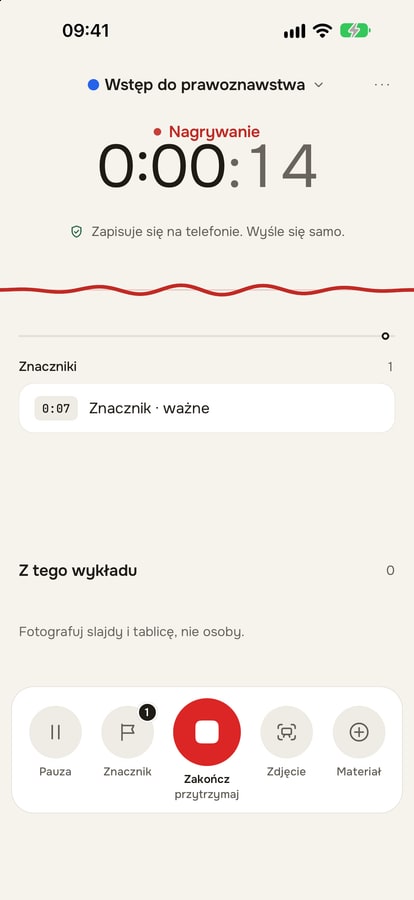
Offline recording
Works without internet and with the screen locked. Nothing stops it.More“Important” marker
One tap during the lecture. That part gets more room in your notes.Slide and board
A photo of the slide or board goes into the lecture without pausing the recording.Add materials
An audio file from a voice recorder, PDF, PPTX, DOCX, slide photos or a YouTube video.
02You understand
Transcript
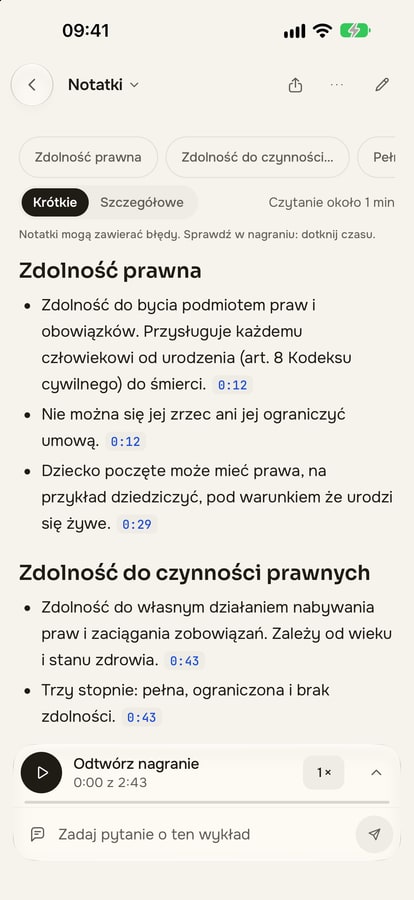
In Polish and English, with timestamps and “Lecturer” or “Audience” labels.Notes with timestamps
Summary, key concepts and “For the test” boxes. Every fact has a minute chip.MoreAsk AI
A chat that knows your lecture and answers with a source in the recording.Mind map
The whole lecture in one picture, with foldable branches and a list view.
03You study
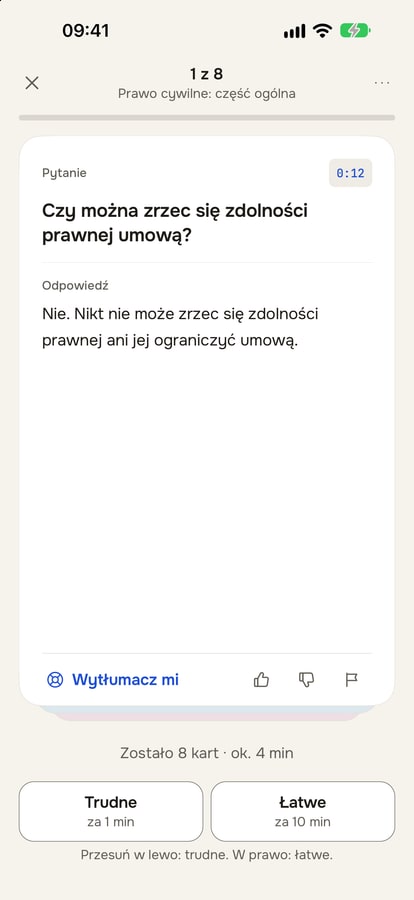
Flashcards and reviews
Cards from the lecture come back on the FSRS schedule, before you forget them.MoreExam mode
Exam date and a plan for every day. Weakest topics first.MoreQuiz and review questions
Single-choice questions and open questions with a hidden answer.Focus
A 25 and 5 minute timer. Study time counts towards your daily goal.
04You organise
Notebook and subjects
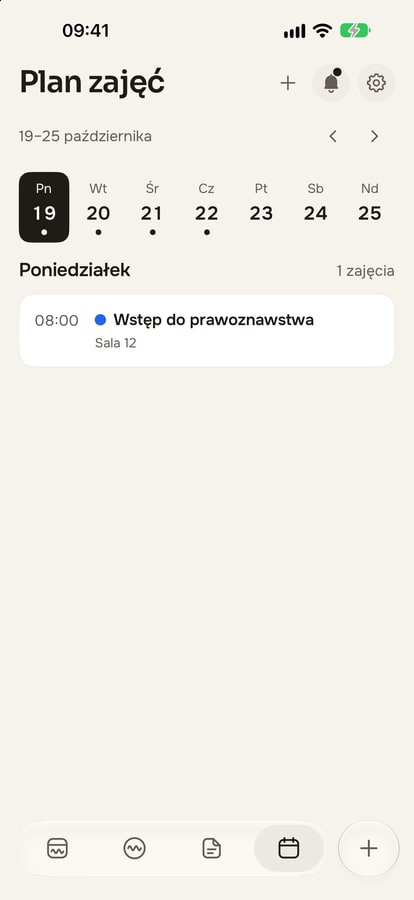
Folders, subject colours, exam date and a glossary.Timetable
Eight weeks, day by day. Each recording lands in the right class.Search
Lectures, recording fragments, notes and flashcards. Works without accents too.Streak and stats
Your streak, the last 7 days and recorded hours in one place.Groups
Shared decks and materials with people from your year.
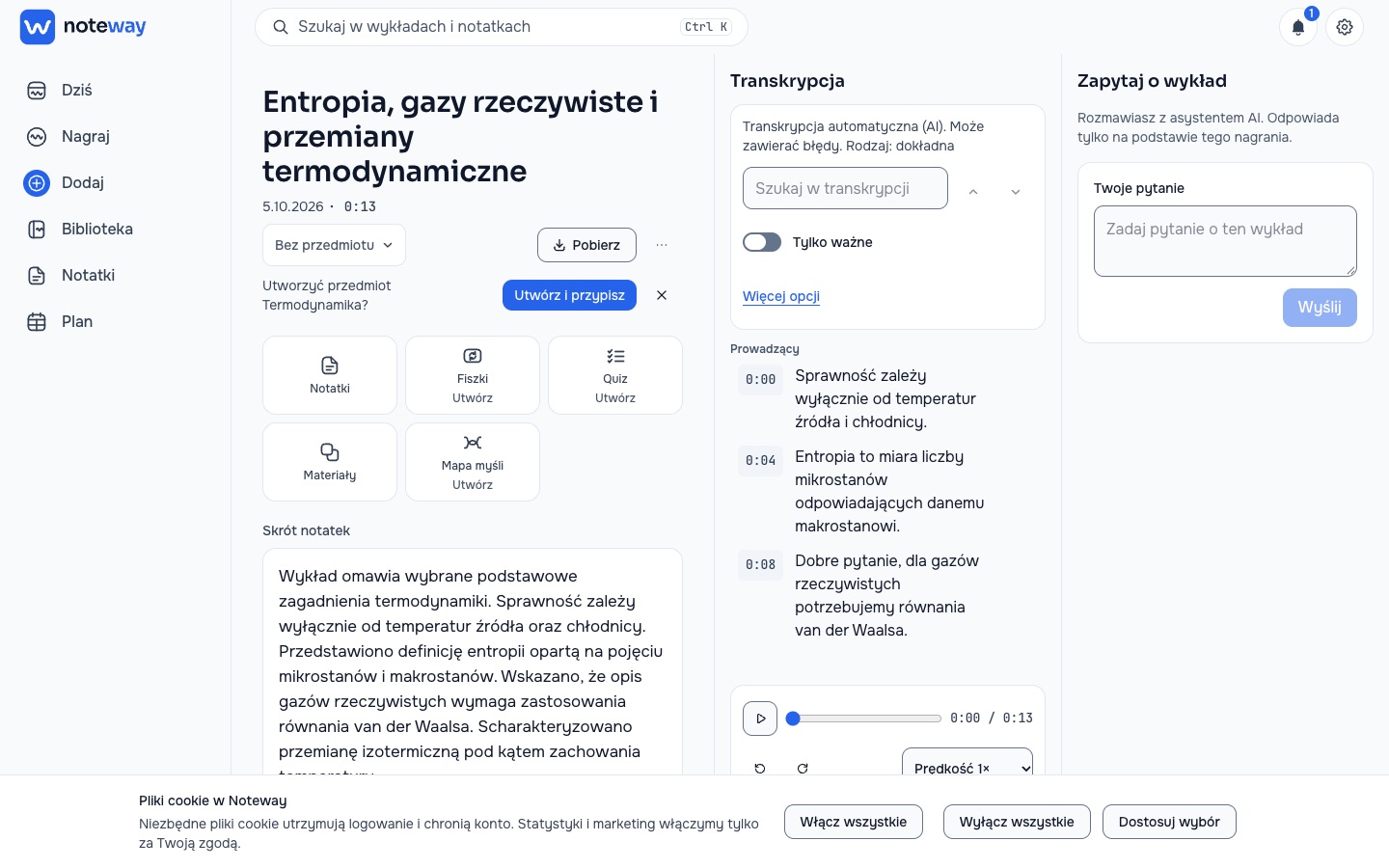
Web app
The same lecture on your laptop.
Log in from your browser and study on a big screen. You can record online classes there too: microphone or tab audio in Chrome and Edge. Quick search with Ctrl K.
noteway.app
Start with one lecture.